- Take the school name and open the school on the nucleus.
- Probe and understand out of the 2 children which child's information cannot be viewed on the Parent App
- Find that child on Nucleus.
- Now check if both the children have the same phone numbers registered against them, if not update the same phone numbers against them (this has to be done after validation only) and then ask the parent to login to the Parent App.
- After logging in click on the down arrow, against the child's name
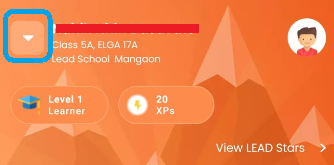
- Now click on Change Student and we can select the required child.
English
